![LogoEFFE_payoff2023.png]](https://support.effe.it/hs-fs/hubfs/LogoEFFE_payoff2023.png?height=42&name=LogoEFFE_payoff2023.png)
Once you have received the invitation e-mail, open it and click on the link.
The registration procedure is guided step by step.

Below are the actions to be followed:
Step 1.
Click on ‘Join HubSpot’: This is the first step to start the registration process.
At this point, your account will be active and you will be able to access HubSpot in two ways:
From the Effe website: https://www.effe.it/
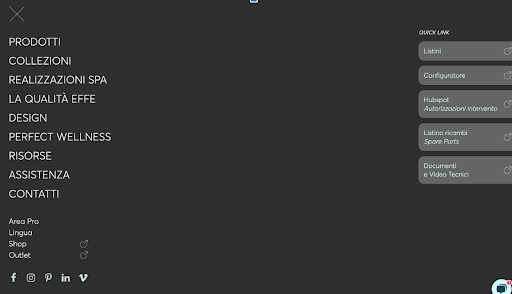
To be skipped if you already followed step 1
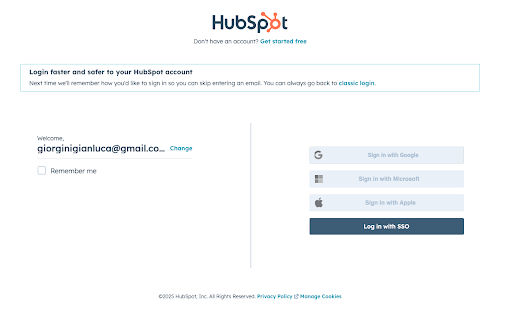
Or from the HubSpot login page where you can log in by entering your email and password or by clicking on ‘Log in with SSo’: https://app.hubspot.com/login/
 Step 2.
After logging in to HubSpot, you need to check and update your profile information to make sure it is correct.
Follow these steps:
Access your general settings by clicking on the gear icon in the top right-hand corner.

Clicca su Generale a sinistra, seleziona "Profilo e preferenze" dal menu a tendina e comincia ad aggiornare le tue informazioni.

- First Name → Must contain the name of your company/service centre (this is the way that the customers whose tickets are assigned to you will see it)
- Last Name → Must contain your personal first and last name.
- Phone Number → If not already present, please add your phone number.
- Save changes
Scroll down and click on ‘Save’ to confirm the updates.
Once you have completed this step, your profile will be correctly configured and you will be able to start handling support tickets.